
Know Your Internet!🌐
Hello! I’m TheWittySwan, and this is my first flight. So what even is the internet? Not some mystical cloud, it’s the actual medium, the wires and waves, through which you’re reading this right now. And sitting closest to you in that chain is one box deciding who gets in: your wifi router. Let’s go meet it.
A quick note before we start, this blog assumes your internet comes through wifi. If you’re on something else, hang tight, that blog is coming soon. Keep yourself updated, and keep visiting!
Section 1: How to Know Your Wifi Is Secure
Before you trust your wifi, interrogate it a little. Open Command Prompt and type netsh wlan show interfaces, this spits out the encryption your connection is actually running. If it says WEP or nothing at all, that’s not wifi, that’s an open door with a “please rob me” sign. WPA2 is the acceptable minimum, WPA3 is the gold standard.
Next, find your router’s gateway IP, run ipconfig, look for “Default Gateway,” and paste that IP into your browser. If it asks for a login, good. If it just lets you straight into the dashboard with zero password… congratulations, you’ve found your first vulnerability, and it’s sitting in your own living room.
One more thing to check, WPS. It sounds convenient (that quick connect button), but it’s also a well documented weak point that can undo a perfectly strong wifi password.
Section 2: Why It Matters
Here’s the thing people get wrong, a weak wifi password doesn’t just mean “someone might steal my internet.” Once someone’s on your network, they’re not on the internet anymore, they’re on your LAN, the same local space your laptop, printer, phone, and smart devices all live in. That’s a very different level of access.
And it gets worse at scale. Compromised routers are exactly what botnets like Mirai are built on, thousands of devices with default passwords, silently roped into massive coordinated attacks, without their owners ever knowing. Your router could be part of one right now and you’d have no idea.
There’s also a quieter, more personal risk: whatever illegal or shady activity happens over an open network traces back to the account holder first. Not the stranger parked outside your house. You.
Section 3: How to Secure It
First thing, change your router’s default admin password. Not the wifi password, the admin one, the one that gets you into that dashboard we talked about earlier. Most people never touch it, which is exactly why it’s the first thing worth fixing.
Next, set your wifi encryption to WPA3 if your router supports it, WPA2-AES if it doesn’t. And turn WPS off entirely, that little shortcut isn’t worth the risk it opens up.
Last one, and the most skipped: update your router’s firmware. Manufacturers patch known vulnerabilities through these updates, and most people just never bother, leaving old holes wide open for years.
Section 4: What If Something Goes Wrong
Some signs your network’s been compromised: devices in your dashboard you don’t recognize, internet that’s suddenly crawling for no reason, or your browser redirecting you to pages you never typed in.
If any of that happens, the fix is a factory reset. Find the small recessed button on the router, hold it for 8 to 10 seconds while it’s powered on, and it’ll wipe back to default settings. That also means every custom setting goes with it, so reconfigure it properly right after, starting with a new admin password before you connect anything back.
Section 5: How to Play Around
(a little something for the netsec folks reading this too)
Change your SSID and password whenever you feel like it, it’s your network, mess with it. Set up a guest network to keep visitors and random IoT gadgets off your main devices. Try port forwarding if you want to host something yourself, a game server, a personal project, whatever.
For the more curious ones, go look at your connected devices list and actually study it, see what’s talking to your router and how. Play with a VPN on the router itself instead of just one device, it covers your whole network in one shot. And if you want to go a step further, look up your router’s model number along with “CVE” and see what vulnerabilities are publicly known for it, that’s the same first move a lot of real network audits start with.
Small experiments like these are how “knowing your internet” turns into actually understanding it.
One last thing before I fly off. If you’re on your hostel or college wifi and it’s secured by your administrator, don’t try to log in unless you’re an approved member. Your screen might look something like this:
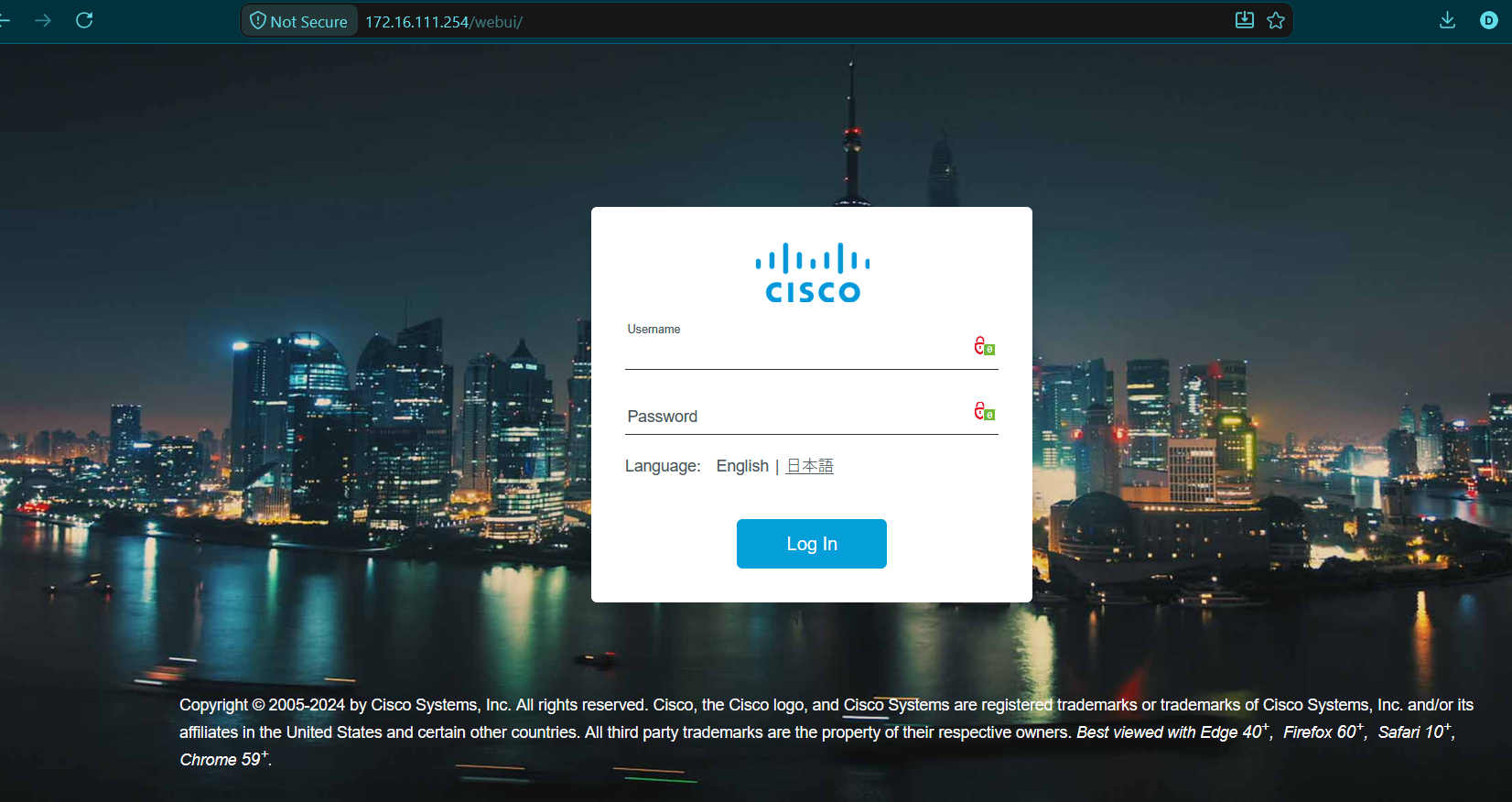
That login wall isn’t an invitation, it’s a boundary. Respect it.
That’s all from TheWittySwan this weekend! See you next week. Signing out, happy browsing!!